
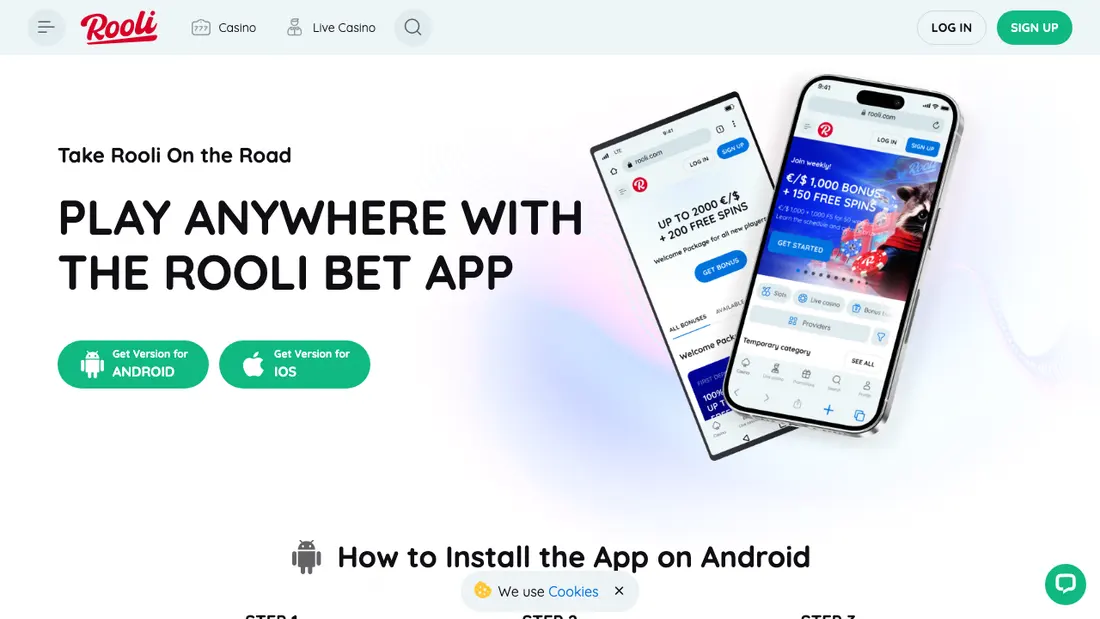
The Rooli Casino app is not a download from the App Store or Google Play. Rooli’s own install page, headed “Play anywhere with the Rooli Bet app”, walks you through pinning rooli.com from the mobile browser. You end up with a Rooli icon that launches the casino without browser bars, while the thing behind it is still the website.
That also answers the question most Australian readers have: the app will not get around the ACMA block. The icon simply loads rooli.com, and that address is blocked here.
Rooli casino app download on Android
These are the three steps Rooli lists, checked on 12 November 2026:
- Load rooli.com in Chrome or another Android browser, then open its ⋮ menu.
- Pick the “Add to Home screen” entry.
- Accept the “Install” prompt.
Nothing is sideloaded, so Android’s unknown-sources setting can stay switched off. A page selling a “Rooli APK” is not Rooli; the casino publishes none.
Installing the Rooli app on iPhone
- Load rooli.com in Safari and press the square-with-arrow Share button.
- Swipe up through the share options until “Add to Home Screen” shows.
- Finish with “Add” in the top corner.
On iPhone the home-screen version keeps its own login, separate from Safari, so expect to sign in once more after adding it.
What the Rooli app does and does not do
Because it is the website in a frame, the app gives you everything the site has: the full lobby, live dealer tables, the cashier, Fortune Spin and Lucky Box, VIP pages and the live chat. It takes almost no storage and updates itself whenever the site changes.
It does not add anything a native app usually brings. There are no app-store reviews to check, no app-store privacy label, and no separate login security beyond your browser.
On a phone, deposit and loss limits are easier to forget than at a desk. If you use the shortcut, set a limit in the account’s responsible-gaming settings first. For the law that applies in Australia, and the ACMA history behind the block, read our Rooli overview.